Video guestbook
A video guestbook for your wedding: messages via QR code
Your guests scan a QR code and record a short video message for you right in their phone browser – with their name, up to 60 seconds, no app and no account. Only you see the messages, not the other guests.
- No app, no account for guests
- Only you see the messages
- Photos and videos in one album

A line in a guestbook is lovely. Grandma’s voice, the maid of honour’s laugh and the toast nobody heard over dinner are priceless.
The video guestbook is part of your photo album on Guest Pictures. Guests record their message whenever it suits them – at the table, on the terrace or the next morning. You get every message in one place, with names, and can watch and download them after the celebration.
Your video guestbook in four steps
No setup and no equipment at the venue – your guests’ phones are enough.
- 01
Create your album
Create your free wedding album. The video guestbook is included; you can switch it on or off on your event page.
- 02
Share the QR code
Print the QR table cards or send the guestbook link to the group chat – before, during or after the celebration.
- 03
Guests record
Type a name, start the camera, speak after a 3-2-1 countdown. Anyone who likes can watch the take and record it again.
- 04
You watch the messages
Every video with its name in your album – to watch the morning after and to download for your memory box.
What a video guestbook can do that paper can’t
- 01
Voices and faces
You hear how it was said – and keep it, even when some guests are no longer around.
- 02
For guests far away, too
Anyone who can’t make it sends a message from home via the link. Guest pages come in five languages.
- 03
No device anyone has to watch
No tablet on a stand, no phone on a cord: every guest uses their own phone.
- 04
Private to you
Only you see the messages. Other guests see neither the video nor who recorded something.
- 05
Small and quick to upload
Videos are made smaller on the phone before uploading – that works on venue Wi-Fi, too.
- 06
Everything in one album
Photos, photo booth, photo missions and video messages: one QR code for all of it.
What guests can say when they don’t know where to start
Put one or two questions on the table card – it makes starting easier.
How do you know the couple – and what was your first moment together?
A wish for the next ten years.
A piece of marriage advice you wish you’d heard earlier.
The funniest story you’ve had with the two of them.
What you loved about the two of them today.
A hello to whoever watches this message again in 20 years.
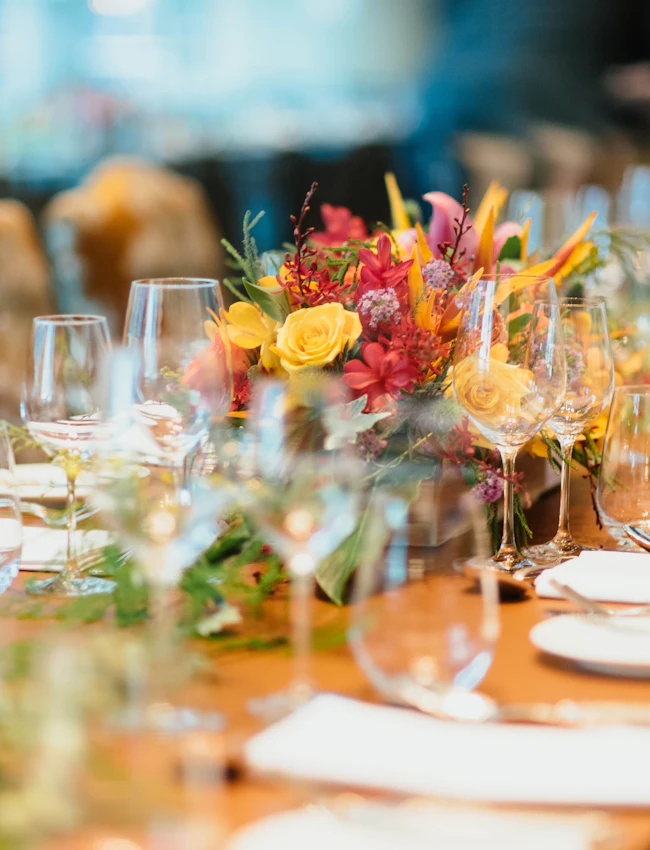
Not just for weddings
Weddings
Messages for the couple – from the ceremony to breakfast the next day.
Milestone birthdays
Wishes from everyone who came, and from those who can only join via the link.
Farewells and anniversaries
Retirement, company anniversary or golden wedding: words worth keeping.
Hen and stag parties
Funny messages and dares – collected for the wedding speech while you’re at it.
Paper, audio phone or video?
| Paper guestbook | Audio guestbook (phone) | Video guestbook on Guest Pictures | |
|---|---|---|---|
| What you keep | Handwriting | Voice | Voice and face |
| Equipment at the venue | Book and pens | A phone that has to be set up | None – your guests’ phones |
| Guests who can’t come | On site only | On site only | Also from home via the link |
| Your copy | One original | File from the device | Download as video |
Your video guestbook in about a minute
Create a free album and share the QR code – the guestbook is already included.
Video guestbook: frequently asked questions
Do guests need an app for the video guestbook?
No. Guests scan the QR code with their phone camera and the guestbook opens in the browser. They type their name, start the camera and record. No download, no account.
How long can a video message be?
Up to 60 seconds. That’s enough for a greeting, a wish or a short story – and keeps the messages pleasant to watch.
Who can see the video messages?
Only you as the hosts – and the guest who recorded the message. Other guests don’t see the messages, not in the gallery and not in the slideshow.
What does the video guestbook cost?
The album with the video guestbook is free to start, and guests can record messages at any time. Watching and downloading them is part of your album’s optional one-time unlock – the host or any guest can pay for it. No subscription.
How long are the messages stored?
Like the whole album: free albums: 30 days after the event; unlocked albums: 12 months. Download the videos before then – and they’re yours forever.
Does it work on iPhone and Android?
Yes, in Safari, Chrome and the other common browsers. If the camera doesn’t work in the browser, guests record with the camera app and upload the video.
Can guests upload regular photos and videos too?
Yes. The video guestbook is part of your album: photos, photo booth collages and videos go to the shared gallery, the guestbook messages only to you.


Keep your guests’ voices
Free to start, ready in about a minute – and nobody needs an app.
Recording messages is free; watching and downloading them is part of the optional one-time unlock, no subscription.