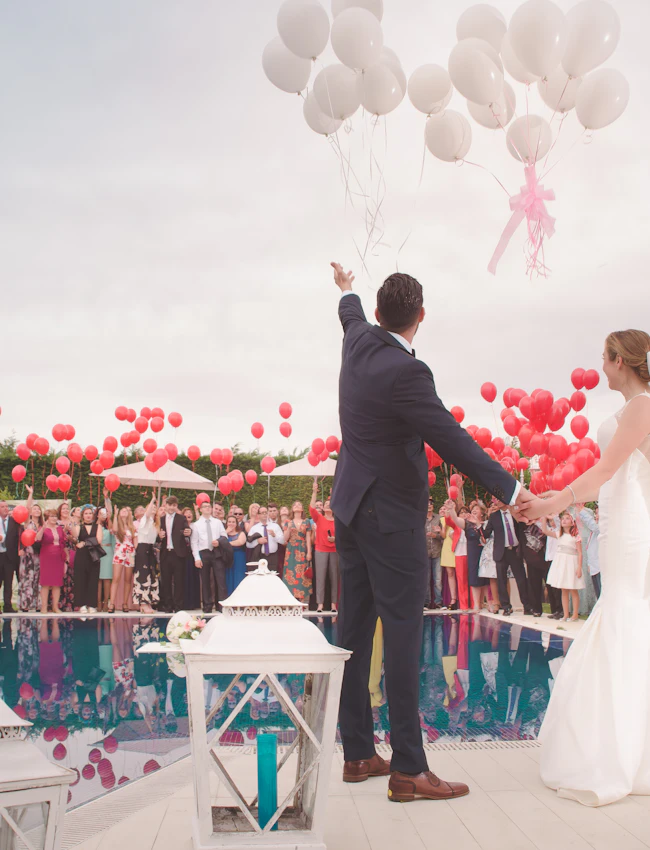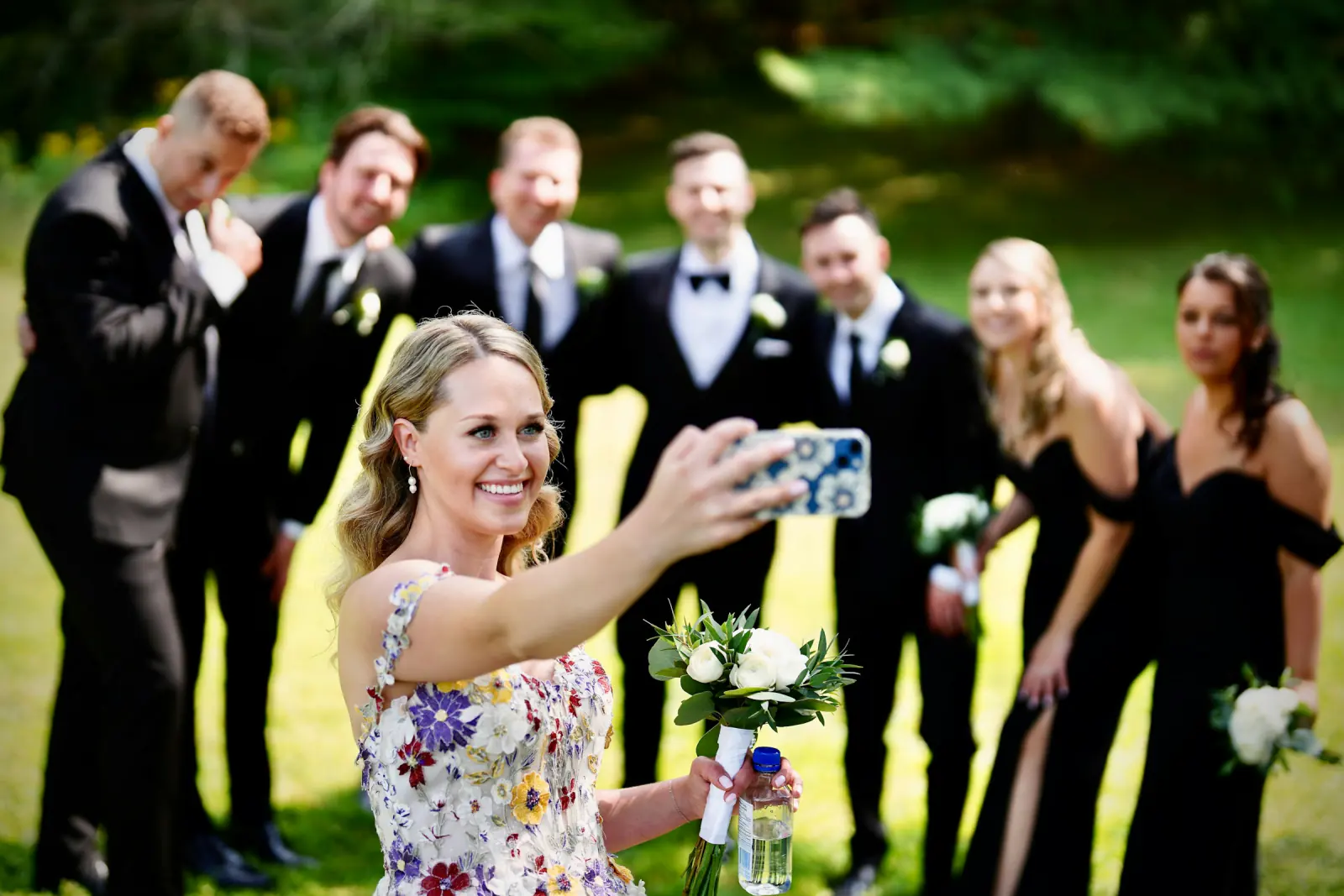
A wedding with 100 guests easily produces 1,500 phone photos over the course of the evening. Most couples end up with maybe 60 of them. Not because guests don't want to share – but because nobody asked at the right moment and there was no obvious place for the pictures to go. This plan fixes that in three phases: before, during and after the celebration.
Why Most Guest Photos Are Lost
- They are never sent. The guest meant to "send them later." Later becomes Monday, then it's forgotten. Two weeks on, the photos are just a memory in someone else's camera roll.
- WhatsApp compresses. What does arrive is heavily downsized – fine for a chat, too small for a photo book or a print.
- Everything is scattered. Five chats, three emails, a USB stick from Uncle Pete. Nobody sorts that voluntarily.
- Nobody asked specifically. "Feel free to send us photos" is not a call to action. Guests need a place, a moment and a request.
The fix is not a technology question but an organisation question: one collection point, announced early, visible on the night, followed by two reminders.
The 3-Phase Plan
Phase 1 – Before the Wedding: Create the Collection Point
- Set up the gallery as soon as the date is fixed. With Guest Pictures it takes about a minute; you get a QR code and a link. Guests later upload straight from their phone browser – no app, no account.
- Mention it in the invitation. One sentence is enough: "We're collecting every photo in one place – you'll find the QR code on the tables." Everyone knows in advance that photos are welcome.
- Put it on the wedding website. Link and QR code on the page with the schedule and directions. Whoever films the ceremony can upload before the drinks reception even starts.
- Brief the wedding party. Two people who know the code and nudge guests on the night are worth more than any sign.
Phase 2 – During the Celebration: Make It Visible, Get It Rolling
- QR stands on every table. One sign at the entrance is not enough; the urge to upload strikes at the table, right after a good photo has been taken.
- Announcement by the MC or DJ. Once after dinner, once before the first dance. Twenty seconds, concrete wording (sample below).
- Live slideshow. A TV or projector in the hall showing freshly uploaded photos. As soon as guests see their pictures on screen, the neighbouring tables follow.
- Photo challenges. Tasks like "a photo with the person who travelled furthest" or "best dance-floor selfie" get guests shooting on purpose. Guest Pictures ships ready-made templates for weddings and bachelor parties.
- Offer the online photo booth. The built-in digital photo booth replaces the rental booth: tablet on a tripod, props beside it, done.
Phase 3 – After the Wedding: Remind and Collect
- Reminder within 48 hours. The day after, camera rolls are full and the mood is warm. A short message with the link to every group – this is the moment with the highest response rate.
- Keep the gallery open for a fixed period. Name a date: "You can upload until 30 September." A deadline works better than an open end.
- Second reminder one week before closing. This time with three favourite photos from the gallery as bait.
- Say thank you and share the gallery. Print the same link on the thank-you card – guests get everyone else's photos too.
Where QR Codes Belong: The Checklist
- ☐ A stand on every table (A6, printed on both sides)
- ☐ A large sign (A4 or bigger) at the bar
- ☐ Next to the guestbook – guests already have their phones out there
- ☐ At the entrance to the hall, at eye level
- ☐ Beside the photo booth or photo wall
- ☐ On the menu card or order of the day
- ☐ On screen between slideshow photos
- ☐ In the restrooms – sounds odd, works remarkably well
- ☐ As an image in the guests' WhatsApp group, no later than the morning of the wedding
For sizing, contrast and test scans, see the complete QR-code guide.
Sample Wording
Announcement on the Night (MC or DJ)
"Quick request from Anna and Jonas: there's a card with a QR code on every table. Scan it with your camera, pick your photos, upload – no app, no login, ten seconds. Everything you upload shows up right here on the screen. And if you don't have a good photo yet: the dance floor opens in ten minutes."
Reminder the Day After
"Good morning everyone – thank you for an unforgettable night! We're gathering every photo and video in one place. If you captured anything yesterday, please upload it here: [link]. Works right in your browser, no app needed. The gallery stays open until [date] – and you can download everyone else's photos there too."
Privacy: Keeping It Relaxed
- Switch on the private gallery. Only people with the link see the photos – no search engines, no random visitors.
- Ask before publishing. Uploading a photo to the gallery is one thing, posting it on Instagram another. Ask in the announcement that guests don't share other people's photos publicly without checking.
- Consider the children. Some parents don't want pictures of their kids online. One line in the invitation ("If you'd rather not have photos of your children in the gallery, just let us know") avoids friction.
- Take data protection seriously. For weddings in the EU, a GDPR-compliant tool matters. Details in our guide to GDPR-compliant photo sharing.
Downloading Everything at the End
- Wait until the deadline has passed. Otherwise you download twice and hunt for stragglers later.
- Download from the gallery and back up to two places. An external drive plus cloud storage, for example. Wedding photos cannot be re-shot.
- Sort roughly, not perfectly. Three folders are enough: ceremony, reception, party. Anything more is a project for winter.
- Add the professional photos. When the photographer's images arrive, upload a selection to the same gallery so guests find everything in one place.
Timeline at a Glance
- 3–6 months before: Create the gallery, add the link to invitation and website
- 4 weeks before: Print table stands and signs, test-scan with an iPhone and an Android phone
- 1 week before: Brief the wedding party and DJ, hand over the announcement text, test the slideshow on the TV
- Morning of the wedding: Post the QR code as an image in the guest group
- On the night: Set out the stands, start the slideshow, two announcements
- Day 1 after: Reminder with link and deadline
- Day 21 after: Second reminder with favourite photos
- Day 30 after: Deadline passes, download everything and back up twice
💡 From experience:
Couples who run all three phases collect many times more photos than those who simply put a QR code on the table. The day-after reminder is the step most often skipped – and the one that delivers the most.
FAQ
When should I create the gallery?
As soon as the date is fixed, so the QR code can go into the invitation, website and print materials. With Guest Pictures, creating an event is free and takes about a minute.
How long should the gallery stay open?
Four weeks is a good rule of thumb: long enough for people returning from holiday, short enough that the deadline still bites. Repeat the date in every reminder.
What if guests send photos via WhatsApp anyway?
Say thank you – and upload them to the gallery yourself. Next time, kindly ask for the upload via the link so the full resolution survives.
Can guests download each other's photos?
Yes, in a shared gallery everyone with access can view and download. That is exactly what makes it more attractive to guests than an upload folder where they get nothing back.
What does it cost?
Creating an event on Guest Pictures is free, and every event includes free photos. If that's not enough, anyone at the party can unlock unlimited photos in one tap – no subscription.
Set Up the Collection Point for Your Wedding Photos
QR code, live gallery, slideshow and photo challenges – ready in a minute, no app for your guests.
Get Started Free