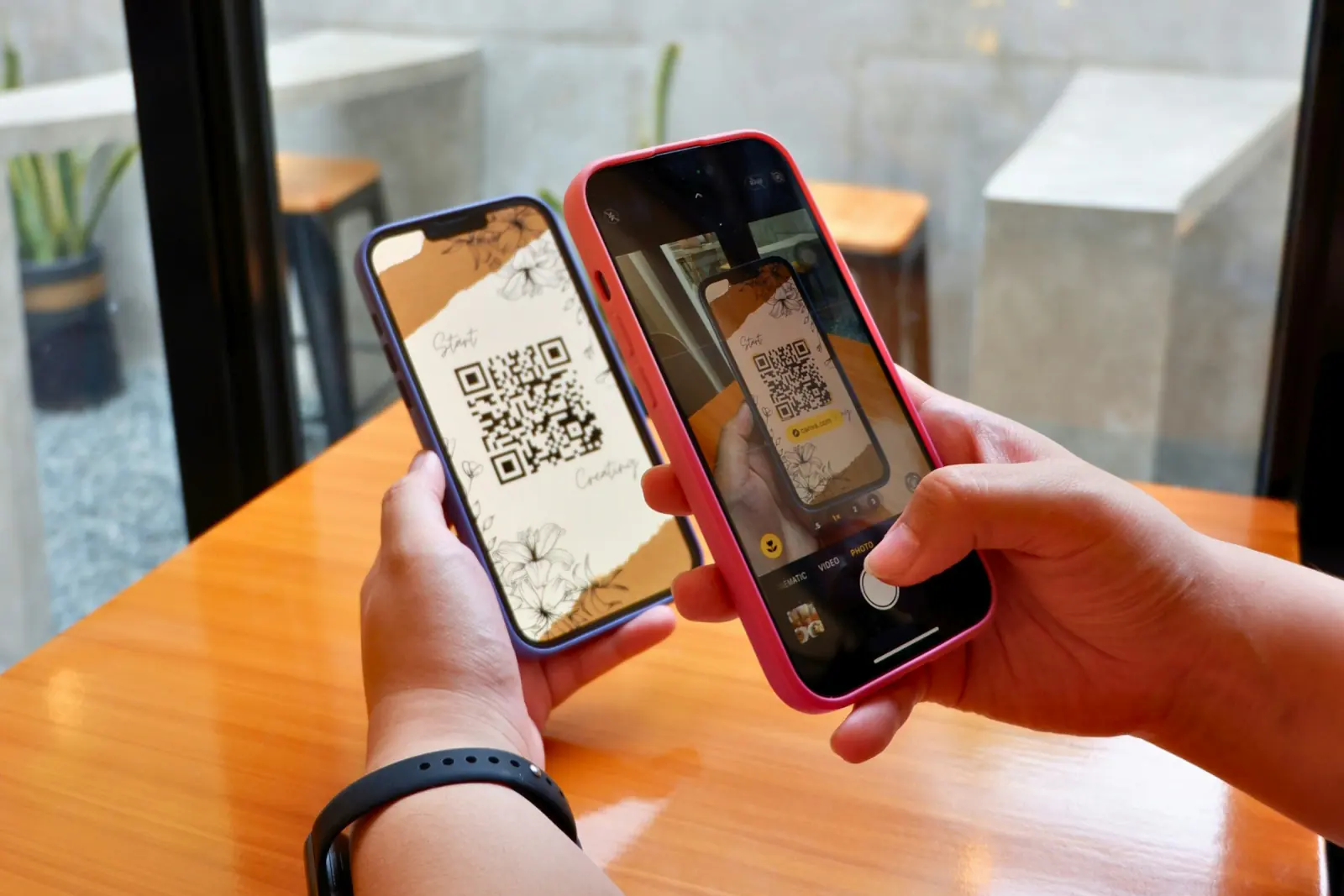
QR codes have evolved from a marketing tool to an essential technology for events. In this guide, learn everything about QR code photo sharing for weddings, birthdays, corporate events, and more.
What is QR Code Photo Sharing?
QR code photo sharing is a modern method that allows guests to upload and view event photos without downloading apps or creating accounts. Here's how it works:
- Create event: The organizer creates a digital photo gallery
- Generate QR code: The system creates a unique QR code
- Display code: QR code is placed on tables, walls, or in invitations
- Guests scan: Use smartphone camera to scan the code
- Instant access: Browser opens directly to the photo gallery
- Upload & Download: Guests can upload and download photos
🚀 The Big Advantage:
No app required! Modern smartphones recognize QR codes automatically through the camera app. This means zero barriers for your guests – even older attendees can participate easily.
Why QR Codes are Perfect for Events
1. No Technical Barriers
Unlike apps that need to be downloaded and set up:
- Works on iPhone and Android without additional software
- No App Store access required
- No registration or account creation needed
- No storage space needed on device
- Easy even for less tech-savvy guests
2. Instant Access During Events
During your celebration:
- Guests can upload photos in real-time
- Other guests see new photos immediately
- Perfect for live slideshows on screens
- Enables spontaneous photo challenges
3. Contactless Sharing
Especially important in the post-COVID era:
- No physical USB drives or memory cards
- No device exchange
- Hygienic and modern
- More environmentally friendly than printed photos
Use Cases for QR Code Photo Galleries
Weddings
The most popular use case:
- QR codes on each table for guest photos
- Upload professional photos from photographer
- Photo booth with instant QR download
- Share wedding galleries with remote relatives
Birthday Parties
- Surprise parties – share photos after the event
- Milestone birthdays (18th, 30th, 50th, etc.)
- Kids' parties – parents can see all photos
- Theme parties with photo contests
Corporate Events
- Document team-building events
- Company holiday parties
- Product launches and trade shows
- Anniversary celebrations
- Secure for corporate use
Family Gatherings
- Large family reunions with many participants
- Graduation and class reunions
- Club events
- Religious celebrations (baptism, communion, bar mitzvah)
How to Set Up QR Code Photo Sharing
Step 1: Choose a Platform
Not all QR code solutions are equal. Look for:
- Security & Privacy: Password protection and secure servers
- Easy uploads: Straight from the phone browser, no app or account
- High resolution: Photos shouldn't be compressed
- Password protection: Privacy for private events
- Mobile optimization: Must work on all phones
✅ Recommended Solution
Guest Pictures offers all these features – free to start, photo booth included.
Step 2: Create Event
- Register on your chosen platform
- Create a new event
- Enter event name and date
- Choose privacy settings (public/private)
- Generate the QR code
Step 3: Share QR Code
There are many creative ways to present your QR code:
During the event:
- Table stands with QR code (A5 or A6 size)
- Large posters at entrance or next to guestbook
- Print QR code on menu cards
- Photo wall with QR code signage
- On screens as part of presentation
In invitations:
- Printed wedding invitations
- Digital invitations via email
- WhatsApp/Telegram messages
- Event website
After the event:
- In thank you cards
- Via email newsletter
- In social media groups
Best Practices for QR Code Photo Sharing
Design Tips
- Size: QR codes should be at least 3x3 cm
- Contrast: Dark code on light background (not reversed)
- White space: Clear space around code for better scanning
- Test: Scan the code multiple times before printing
- Branding: Add your event logo (if platform supports it)
Placement Tips
- Multiple locations: One code at entrance isn't enough – at every table!
- Eye level: Codes should be easy to reach and scan
- Good lighting: Dark corners make scanning difficult
- Stable placement: Avoid wobbly stands
Boost Engagement
- Communicate early: Mention QR code photo sharing in invitation
- Make announcements: DJ or MC can remind guests
- Contests: "Funniest photo" or "Best selfie" prizes
- Live slideshow: Display uploaded photos on screen
- First upload: Upload first photos yourself as example
Frequently Asked Questions
Do QR codes work on all smartphones?
Yes! Since iOS 11 (2017) and Android 9 (2018), smartphone cameras recognize QR codes automatically. This covers over 95% of all active devices.
What if guests don't have smartphones?
Provide 1-2 tablets with pre-loaded QR code, or offer a short URL (e.g., guest-pictures.com/your-wedding) as alternative.
How long do photos stay online?
Depends on provider. Free services: 30-90 days. Premium services: 1 year or longer. Guest Pictures: until 30 days after the event, then deleted automatically – download all photos as a ZIP before then.
Conclusion: QR Codes are the Future of Event Photo Sharing
QR code photo galleries combine the simplicity of social media with the privacy of cloud storage. They are:
- ✓ User-friendly for all age groups
- ✓ No technical hurdles (no apps)
- ✓ Secure & Private for all events
- ✓ Cost-effective or even free
- ✓ Perfect for live engagement during events
Create Your QR Code Photo Gallery Now
Get started in 3 minutes with Guest Pictures – the free, secure solution for event photo sharing.
- ✓ QR code automatically generated
- ✓ Photo uploads without app or account
- ✓ Photo booth with effects included
- ✓ Secure & Private
- ✓ No credit card required